
How to Remove "Wanted" Status in Palworld
Did you accidentally shoot a PIDF guard? Here is how to clear your bounty and stop the police from chasing you.

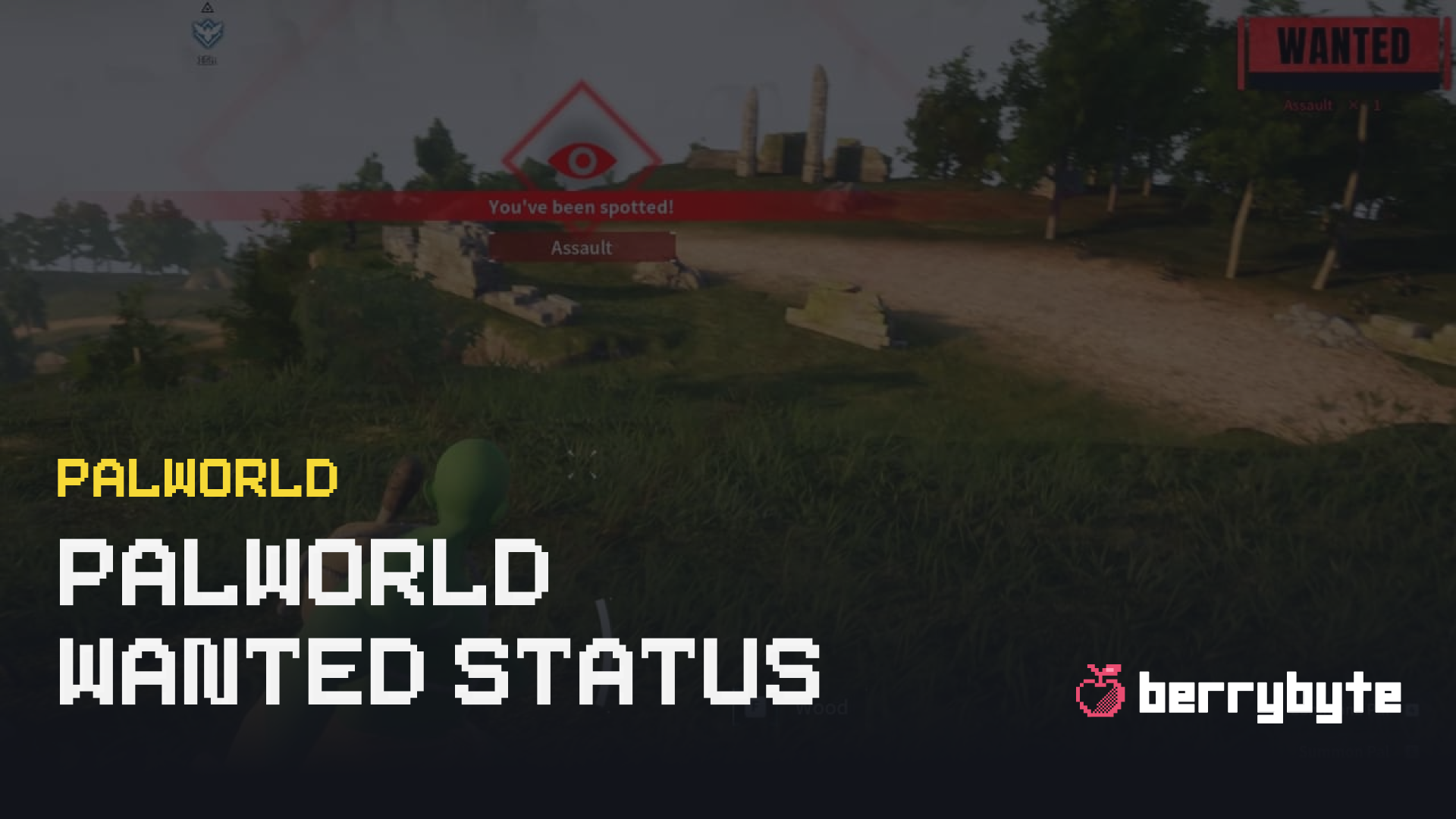
We’ve all been there. You are trying to catch a Pal, your aim slips, and you accidentally shoot a friendly villager or a PIDF Guard. Suddenly, a bright red "WANTED" text appears on your screen, and high-level guards start spawning out of thin air to hunt you down.
Unlike GTA, you can’t just paint your car to make them go away. Here are the most effective ways to remove the Wanted status in Palworld.
1. The "Heroic" Death (Fastest Method)
If you don't have valuable items in your inventory (or if you have "Keep Inventory" on), the quickest fix is simply to let them kill you.
- Stand still and let the guards take you out.
- Once you respawn at your base, the Wanted status will be cleared.
2. Eliminate All Witnesses
If you are high enough level, you can fight back. The Wanted status will disappear if you kill every witness that saw the crime.
- Warning: This often backfires. Attacking more guards usually raises your Wanted level, causing stronger guards to spawn. This is only recommended if you are isolated with just one or two guards.
3. Run and Hide
If you don’t want to die, you have to outrun them.
- Hop on a fast mount (like Eikthyrdeer or Direhowl).
- Run until the "Pursuit" music stops and the eye icon on the HUD closes.
- You often need to stay hidden for a full minute or two without being spotted.
4. The Title Screen Trick
Sometimes the AI can be relentless and bugged. If they won't stop spawning inside your base:
- Run to a safe spot.
- Exit to the Title Screen.
- Load back into your world.
- This often resets the aggro of nearby NPCs, giving you a chance to escape or clearing the status entirely.
Customize Your Server Rules
If you find the police system too annoying, you can actually tweak the difficulty settings on your own dedicated server. You can adjust damage rates or even turn off raids entirely.
Hosting your own world gives you the freedom to play how you want. Check out our Palworld Server Hosting to start a private world for you and your friends.
Need help tweaking those settings? We have a guide on How to Configure Palworld Server Settings that walks you through editing the PalWorldSettings.ini file.